Short answer: Creative production is the work that turns an approved campaign idea into every finished ad file the media plan needs. For display, that means adapting the master design to every size, building the HTML5, making backups and GIFs, testing, and packaging each file to the platform’s spec. It runs best with named owners, a fixed six-stage workflow and specs collected before anyone designs.
This guide is for agency project managers, producers and brand marketers who run display campaigns and need production to land on time. It stays at the program level. It covers who does what, how the workflow runs, which specs shape the work, which tools matter, and when to keep production in-house or hand it to a studio. Where you need the hands-on build detail, we link down to it.
- Creative production starts when the idea is approved. It ends when every file passes the platform’s checks.
- Volume is sizes times versions times languages. Count it before you promise a date.
- Collect every destination’s spec before design. Platforms disagree on weights and backups.
- Most DV360 creatives clear review within one business day. Any edit restarts it.
- Keep steady, low-volume work in-house. Send peaks and complex HTML5 to a studio.
- What is creative production in display advertising?
- Who does what: roles in a creative production team
- The creative production workflow, stage by stage
- Specs shape production: collect them before design
- Creative production tools: what the stack needs to do
- Timelines and approvals: where creative production schedules slip
- In-house team, creative production studio or platform?
- 7 creative production mistakes that delay launches
 Need backups for every size?
Drop the ZIP. Get the finished frame.
JPG, GIF and MP4 in minutes. Free.
JPGGIFMP4
Try it free
What is creative production in display advertising?
Creative production is the bridge between the creative team and ad ops. The creative team decides what the ad says and how it looks. Production makes it real, in every size and version, inside every platform’s limits.

In display, the output is rarely one ad. A typical delivery holds HTML5 ZIPs, static backups, GIFs for inventory that can’t run HTML5, and sometimes MP4s for approvals. Each file needs the right name, weight and package.
That’s why production is its own discipline. A strong key visual that is too heavy won’t pass. Neither will a ZIP without a click tag.
- Inside production: adapting the master, animation, the HTML5 build, backups and GIFs, QA and packaging.
- Outside production: the campaign idea, the media buy and trafficking in the ad server.
Who does what: roles in a creative production team
Most delays come from unclear ownership, not slow work. Name one owner for each job below, even when one person holds several.
| Role | Owns | Hands off to |
|---|---|---|
| Brand marketer | Goals, offer, legal lines, final sign-off | Agency producer |
| Agency producer or PM | Brief, schedule, deliverable list, feedback rounds | Production lead |
| Creative team | Concept, key visual, master layout | Production designer |
| Production designer | Resizes, animation storyboard, text fit | HTML5 developer |
| HTML5 developer | Build, click tags, file weight, backups | QA |
| QA | Browser and device tests, spec checks | Ad ops |
| Ad ops or trafficker | Upload, tags, platform review | Live campaign |
When a studio runs production, its producer mirrors the agency PM. Keep one feedback channel on each side. That alone removes most extra rounds.
The creative production workflow, stage by stage
Every banner program we run follows the same six stages. The order matters more than the tools. Skipping a stage moves the cost to a later, more expensive one.

Brief and deliverables
Agree the message, sizes, versions, languages and destinations. Turn them into a numbered deliverable list.
Specs
Collect the spec for every platform and publisher on the plan. Weight, backup and packaging rules go into the brief.
Master design
Design and animate one lead size. Get it approved before any resizing starts.
Adapt and build
Resize the approved master to every size, then build the HTML5. Versions and languages come last.
QA and review
Test each file against its spec and in real browsers. Share one review link per round, not loose files.
Package and deliver
Export ZIPs, backups and GIFs in the layout each platform expects. Name every file so ad ops can match it to the plan.
Stage three is the one teams try to skip. Approving the master first means feedback lands once, not on every size. The build stage itself is covered step by step in how a PSD becomes a finished HTML5 banner.
Count the matrix before you quote a date. Eight sizes, three messages and two languages is 48 banners. With a backup for each, that’s 96 files to name, check and package.
Specs shape production: collect them before design
Specs are not an ad ops detail. They decide how much animation fits, how many images load and how many files you deliver. Ask for them in the brief.
The IAB sets the baseline. Its New Standard Ad Unit Portfolio caps a 300×250 at 150 KB initial load and 300 KB subload, measured after gzip. It also limits animation to 15 seconds and the initial load to ten file requests.
Platforms then add their own rules, and they don’t agree:
| Destination | Key production limit | Backup image |
|---|---|---|
| Google CM360 | ZIP up to 10 MB and 100 files; at least one click tag; no local or session storage | Optional Separate upload, never in the ZIP |
| Google Ads | HTML5 ZIP 600 KB, for eligible accounts only; image or GIF 150 KB | No field |
| The Trade Desk | HTML5 initial load 300 KB | Required Separate upload |
| Amazon DSP | Static fallback 40 KB, or 50 KB for 300×600 | Required Built into the ad’s code |
| Email (LiveIntent) | JPG, PNG or GIF only; static 250 KB, GIF 4 MB | Image is the ad |
Google Ads only accepts HTML5 from accounts open more than 90 days with more than $9,000 lifetime spend. Everyone else needs image or GIF versions. That changes the deliverable list, so ask early.
Our backup image guide covers each platform in detail. The banner ad specs cheat sheet puts sizes and weights in one place, and our IAB standard banner sizes guide explains the sizes themselves.
Your HTML5 campaign ZIP goes in.
Backup images, GIFs and MP4s come out.
Every size. Every platform. Free.
JPGGIFMP4
Try it free
Creative production tools: what the stack needs to do
Tools change faster than workflows. Judge a stack by the jobs it covers, not by brand names. Five jobs matter.
Design
Master layouts and key frames. Named, organized layers let production rebuild them without guessing.
Animation and build
Hand-coded HTML5 or an authoring tool. Google Web Designer can publish banners straight to CM360, up to 10 MB and 99 local assets.
Weight control
Image compression and shared code keep files under the initial load. See our tips to reduce HTML5 banner size.
Review
One link where every size plays side by side. Versioned rounds and comments in one place.
Output
Backups, GIFs and MP4s made from the final HTML5. Our free tool turns an HTML5 banner ZIP into all three.
Whatever you use, check its limits against your plan. Google Web Designer’s direct publish to CM360, for example, doesn’t support expandable, AMPHTML or responsive rich media ads.
Timelines and approvals: where creative production schedules slip
Building banners is rarely the longest part. Feedback rounds and platform review are. Plan them as real stages, with dates.
- The IAB’s 2015 display and mobile creative guidelines set a minimum lead time of six days for ad file submission before campaign start. Publishers may set their own, so check each one.
- In Display & Video 360, most creatives are reviewed within one business day. Creatives for restricted products may get a manual review, which typically takes one business day.
Every edit restarts review. In DV360, any change to creative content or the landing page sends the creative back to review. That includes assets, landing page URLs and tracking URLs. Batch late fixes into one upload, and avoid edits on launch day.
Rules that keep a schedule honest:
- Agree the number of rounds up front. For example, two on the master and one on the adaptations.
- Merge comments before they reach production. One owner combines client and agency notes.
- Lock copy and legal early. A late legal line touches every size.
- Upload before the deadline, not on it. Leave room for platform review and tag checks.
In-house team, creative production studio or platform?
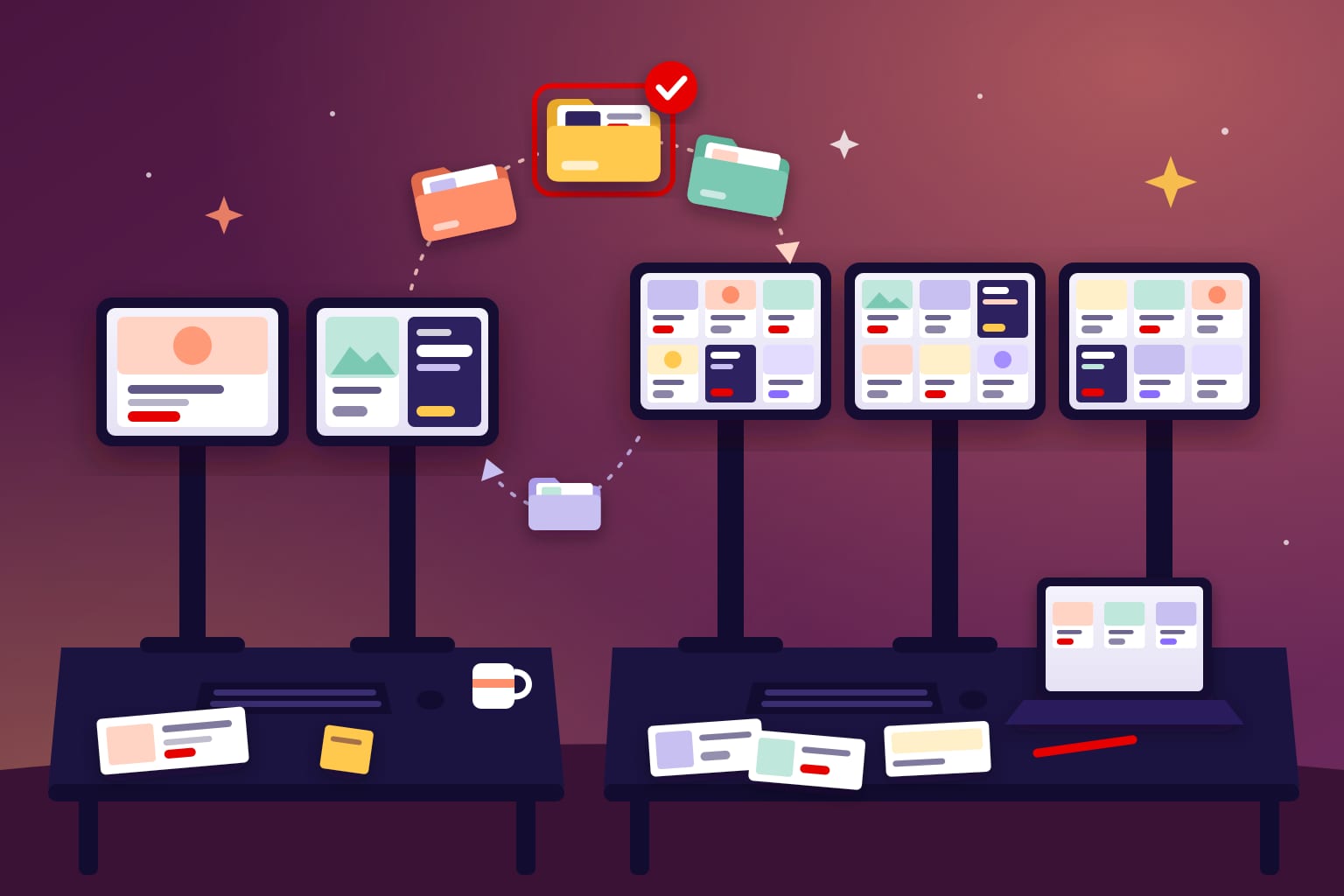
There are three ways to staff creative production, and most agencies mix them. The right choice depends on volume, how steady it is and how complex the HTML5 is.
| Model | Best for | Cost shape | Watch out for |
|---|---|---|---|
| In-house team | Steady volume and fast small edits | Fixed salaries, busy or not | Launch peaks, cover for leave, specs across many platforms |
| Creative production studio | Launch peaks, large size and language matrices, rich media | Per project or per banner | Needs a clear brief and one feedback channel |
| Self-serve platform | Simple templated resizes at volume | Subscription per seat | Template limits, custom animation, file weight |
The economics come down to utilization. An in-house team costs the same in a quiet month and a launch month. A creative production company is a variable cost, and it brings the spec knowledge with it. A studio can also scale fast: we once delivered 1,200 banners in 7 days.
Our comparison of in-house vs outsourced banner production goes deeper on the trade-offs. If you decide to hand off, read how to outsource HTML5 banner production, or talk to an HTML5 banner production company that does this every day.
Before you hire a creative production agency, check that it can:
- Show live HTML5 work, not only videos of it.
- Name the spec of each platform on your media plan.
- Package backups and GIFs the way each platform wants.
- Hit IAB initial-load weights without blurring text.
- Build versions and languages from one approved master.
- Give you one producer as a single point of contact.
For the technical side of that conversation, use our 10 questions to ask an HTML5 banner developer.
7 creative production mistakes that delay launches
- No deliverable count. The date is set before anyone multiplies sizes, versions and languages.
- Specs collected after design. A layout built around heavy imagery won’t fit a 150 KB initial load.
- Resizing before the master is approved. Every change now lands on every size.
- Feedback from many voices. Conflicting notes create extra rounds.
- Late copy and legal changes. One new line can break the text fit in every size.
- One package for every platform. CM360 forbids the backup inside the ZIP. Yahoo wants it there.
- Edits after upload. In DV360, each change restarts creative review.
Frequently asked questions
What is creative production?
Creative production turns an approved campaign idea into finished ad files. For display, it covers resizing, animation, the HTML5 build, backups, GIFs, QA and packaging for each platform.
What does a creative production agency do?
It takes your approved design and delivers every size, version and language, built to each platform’s spec. A good one also handles QA, backups and packaging, so ad ops can upload without fixes.
How long does creative production take for a banner campaign?
It depends more on the number of banners and feedback rounds than on design time. Count sizes times versions times languages, then add time for reviews and platform approval. In DV360, most creatives are reviewed within one business day.
Should creative production be in-house or outsourced?
Keep steady, low-volume work in-house. Outsource launch peaks, large size and language matrices, and complex HTML5 to a studio. Many agencies use both.
What is the difference between a creative agency and a creative production studio?
A creative agency owns the idea and the key visual. A creative production studio turns that work into finished, spec-compliant files at volume.
Sources
- IAB New Standard Ad Unit Portfolio (PDF, July 2017)
- IAB Display and Mobile Creative Guidelines (PDF, 2015)
- Google CM360: How to prepare HTML5 display assets
- Google DV360: About the creative review process
- Google Web Designer: Publish to Campaign Manager 360
- Google Ads: Uploaded display ads specifications
- The Trade Desk Creative Specifications (PDF, March 2025)
- Amazon Ads technical guidelines
- Yahoo HTML5 guidelines
- LiveIntent ad specs
Looking for a banner production company?
Digitaland has produced HTML5 banners for agencies and brands since 2011. See how we work, or send us the brief and we take it from there.