How to Preview and Test HTML5 Banners Before Delivery
11/13/2026
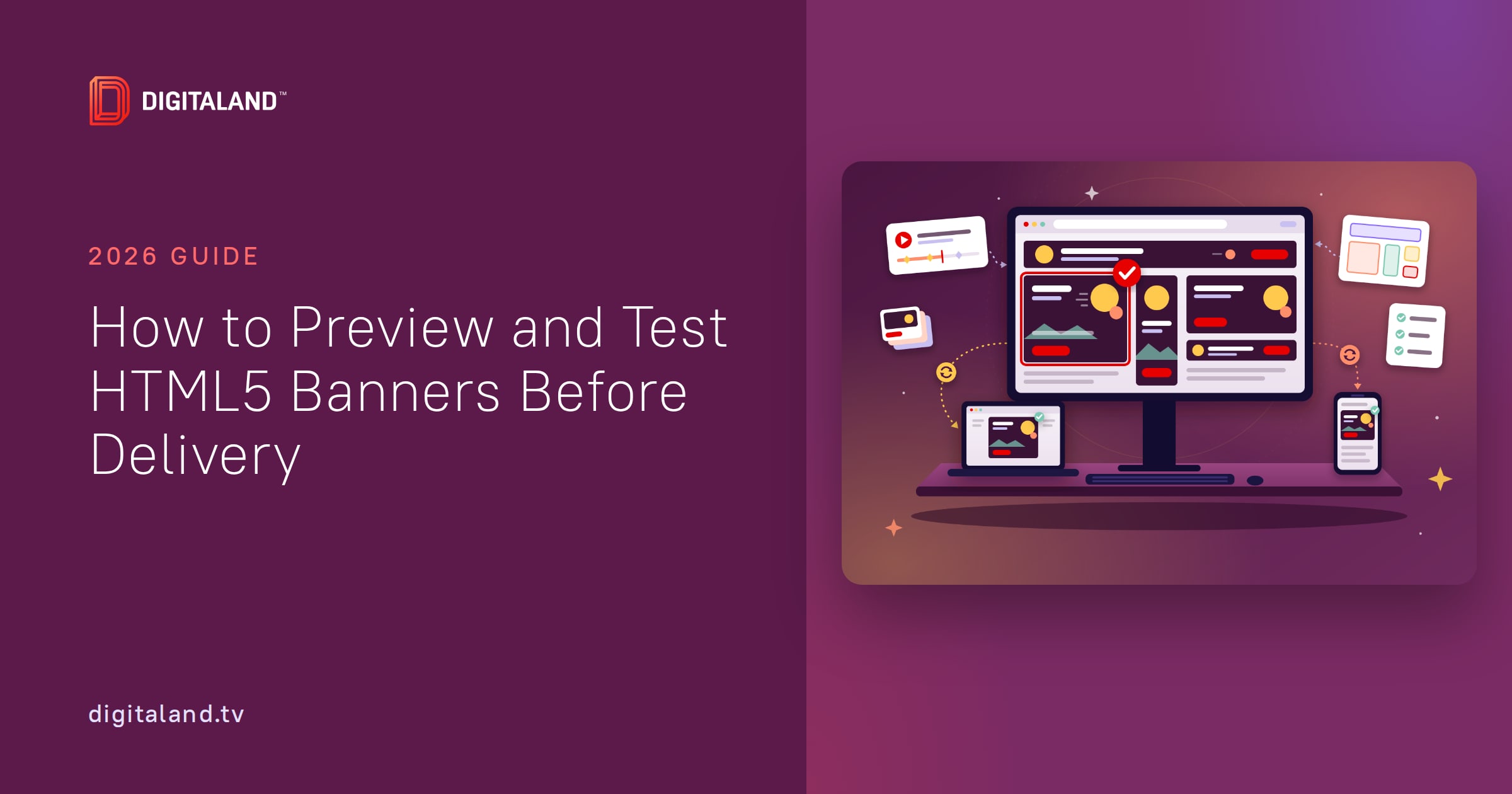
How to preview HTML5 banners before delivery: local checks, mobile tests, client preview links and ad server proofs, with a table of every option compared.
How to preview HTML5 banners before delivery: local checks, mobile tests, client preview links and ad server proofs, with a table of every option compared.
An HTML5 banner delivery checklist for ad.size, clickTag, weight, backups and ZIP packaging, checked against Google, Trade Desk, Amazon and Yahoo specs.
Creative production for display ads, explained for agency PMs: the roles, a six-stage workflow, the specs that shape it, and when a studio beats in-house.
Mobile banner ad sizes for 2026: 320×50, 320×100, 300×250 and 320×480, with platform support, weight limits and 2x retina rules. Get the full spec table.
The 300×250 ad size explained: names, file weight and backup limits for Google, The Trade Desk, Amazon and publishers, plus layouts that pass QA first time.
Convert an HTML5 banner to GIF without blurry fine print, banding or a preloader frame. Platform limits, palette tips and a method that passes review.
In-house vs outsourced banner production: compare an in-house team, a studio and platforms like Bannerflow on cost, speed and QA. Plus a partner checklist.
Banner ad specs for CM360, DV360, Google Ads, The Trade Desk, Amazon, Yahoo and email in one table. Every limit is sourced, so you pass review the first time.
Do you still need a backup image for HTML5 ads? Google made it optional in 2022. The Trade Desk, Amazon and most publishers still require one. Rules, sizes and a free tool.