Short answer: In-house vs outsourced banner production comes down to three things: volume, complexity and who owns QA. An in-house team wins for steady, small batches close to the brand. A specialist HTML5 studio wins for big launches, custom animation and delivery to many platforms. A platform like Bannerflow or Celtra wins for templated, data-driven versions at scale, as long as someone skilled runs it.
This guide is for agency project managers, producers and brand marketers deciding who should build the next campaign’s banners. It compares an in-house team, a specialist studio and self-serve platforms on cost drivers, speed, quality, scale, QA and control. It ends with red flags and a checklist you can use with any partner, including us.
- Three ways to get banners built
- In-house vs outsourced banner production at a glance
- What really drives the cost
- When an in-house team wins
- When a specialist HTML5 banner production company wins
- Bannerflow vs agency: when a platform wins
- QA and delivery: the work every option must cover
- 7 red flags when choosing a banner production partner
- How to choose a banner production partner: a checklist
- No option is cheapest in every case. Volume and change rate decide it.
- In-house wins on brand context and small, fast edits.
- Specialist studios win on peaks, custom HTML5 and multi-platform QA.
- Platforms win on templated scale, but still need trained operators.
- Whoever builds, someone must own spec QA for each destination.
- Choose by campaign, not forever. Mixing models is normal.
 Your HTML5 campaign ZIP goes in.
Backup images, GIFs and MP4s come out.
Every size. Every platform. Free.
JPGGIFMP4
Try it free
Three ways to get banners built
Every banner campaign needs the same work: design, animation, code, resizing, versions, QA and delivery. The only question is who does each step.
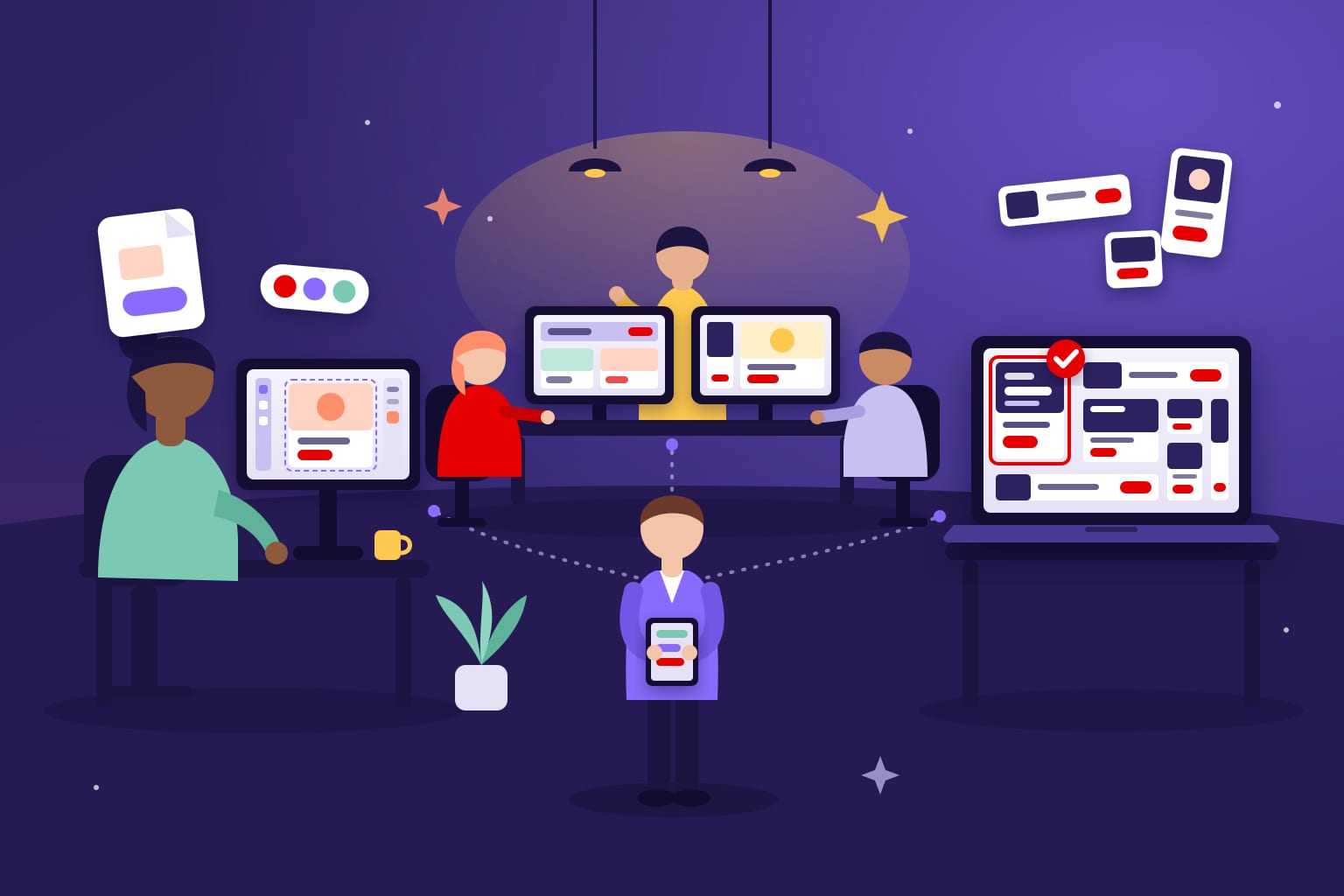
- In-house team. Designers and developers on your payroll, or inside the agency, building banners by hand or in an authoring tool.
- Specialist studio. An outside HTML5 banner production company that takes your designs and delivers finished, tested files.
- Self-serve platform. Software such as Bannerflow, Celtra or Creatopy, where your team builds templates and generates sizes and versions.
Google Web Designer is often listed as a fourth option. It isn’t one. It is a desktop authoring tool, so it still needs a skilled person in-house to design, animate and test.
If you want to see the studio route step by step, here is how a PSD becomes a finished HTML5 banner.
In-house vs outsourced banner production at a glance
Here is how the three models compare on the points buyers ask about most. This is a general picture from our production experience, not a price list.
| Criterion | In-house team | Specialist studio | Self-serve platform |
|---|---|---|---|
| Main cost driver | Salaries, including idle time between campaigns | Fees per banner or per project | Licence, plus the people who run it |
| Speed for one small edit | Fastest | Depends on the queue | Fast once templates exist |
| Speed at high volume | Limited by headcount | Scales with the studio’s team | Fast for templated versions |
| Custom animation and rich media | Depends on in-house skills | Strongest | Limited by templates and features |
| Sizes, languages, versions | Manual and slow | Built for it | Generated from a master |
| Spec QA across platforms | Your team owns it | Studio owns it, if it’s in the scope | Shared; check what the tool covers |
| Control and brand knowledge | Highest | Grows with each brief | High, through locked templates |
| Best for | Steady, small batches | Launches, peaks, custom work | Always-on, data-driven versions |
The table hides the real question: how many banners, how often, and how different from each other.
What really drives the cost
Banner budgets rarely go wrong on the design. They go wrong on the matrix. Six sizes in four languages with three offers is 72 banners before the first revision.
- Matrix size: sizes × languages × versions.
- Complexity: custom animation, video, interaction and rich media.
- Change rate: how often copy, prices and offers change after launch.
- Revision rounds: every round touches every size.
- QA and delivery: testing and packaging for each destination.
- Idle capacity: staff and licences paid for between campaigns.
Each model carries these costs differently. An in-house team pays for idle capacity. A studio charges for the matrix. A platform charges a licence and still needs people to build masters and run it.
Start every estimate from the destination list, because each platform adds its own rules. Our banner ad specs cheat sheet shows how much they differ.
When an in-house team wins
In-house production wins when the work is steady and close to the brand.
- You ship a regular flow of small campaigns, not a few big launches.
- Edits are frequent and tiny: a price, a date, a legal line.
- The work is confidential until launch.
- Your people already know HTML5 ad specs, not just design.
The risk is peaks. A launch that needs hundreds of banners in a week can swamp a small team. In our experience, QA is the first thing to slip when that happens.
If you plan to hire, use our 10 questions to ask an HTML5 banner developer to test real skills. And read the pitfalls of building your own banner ads before you commit.
When a specialist HTML5 banner production company wins
A specialist studio wins when volume, complexity or deadlines exceed what your team can absorb.
- Launches with a large matrix of sizes and languages.
- Custom animation, rich media and interactive units.
- Campaigns that run on several ad servers and DSPs at once.
- Teams with designers but no HTML5 developers.
Volume is the clearest case. A studio that does this daily has the templates, staff and QA routine to absorb a spike. Our case study on 1,200 banners in 7 days shows what that looks like in practice.
The trade-off is briefing. A studio knows ad specs on day one, but not your brand. The first project needs clear guidelines and a single approver. Our guide on how to outsource HTML5 banner production covers the brief, timelines and handoffs. To see how one specialist works, here is our own HTML5 banner production service.
Your HTML5 campaign ZIP goes in.
Backup images, GIFs and MP4s come out.
Every size. Every platform. Free.
JPGGIFMP4
Try it free
Bannerflow vs agency: when a platform wins
Platforms are software, not services. You pay for the tool, and your team or an agency does the work inside it.
Bannerflow says teams can create one responsive HTML5 master and generate every size, format and market version without rebuilding. It also lists templates with locked elements, feed-driven dynamic ads and connections to CM360, DV360, The Trade Desk and Amazon DSP.
Celtra builds its creative automation platform around GenAI design and modular workflows. It adapts approved concepts for each placement, audience and market. Tools such as Creatopy also offer template-based ad design.
A platform wins when:
- You run always-on campaigns with frequent price or offer changes.
- Versions come from a product feed or audience data.
- You have staff who can build and govern templates.
- Consistency across many markets matters more than one-off craft.
It loses when nobody owns it. A licence without a trained operator produces nothing. Highly custom, high-impact ideas can also fight the template. Both Bannerflow and Celtra lead with a demo request, so plan time for an evaluation and a trial project.
Many teams mix models. A studio builds the master templates and hero units. An in-house team or a platform then handles daily versions. If your versions come from data, our guide to static vs dynamic banners explains the difference.
QA and delivery: the work every option must cover
Whoever builds the banners, someone has to check them against each destination’s rules. Those rules disagree with each other.

| Destination | Backup image | Rule that trips teams up |
|---|---|---|
| Google CM360 | Optional | Backup uploaded separately, never inside the ZIP |
| The Trade Desk | Required | Backup has its own click-through URL; HTML5 initial load up to 300 KB |
| Amazon DSP | Required | Fallback built into the ad code; static file 40 KB, 50 KB for 300×600 |
| Yahoo | Optional | Backup goes inside the ZIP |
| Google Ads | No field | HTML5 only for established accounts; image and GIF ads up to 150 KB |
| Email (LiveIntent) | Image is the ad | JPG, PNG or GIF only; no HTML5 |
One banner can need two or three packages. A campaign on CM360 and Yahoo needs the backup beside the ZIP for one and inside it for the other. Google Ads only accepts HTML5 from accounts open more than 90 days, with more than $9,000 lifetime spend. Everyone else needs image or GIF versions.
Ask who owns QA before you sign. In-house, it’s your team. With a studio, write it into the scope. With a platform, check which checks the tool runs and which stay with you. Unowned QA is how creatives get rejected the day before launch.
Publishers add time of their own. ESPN, for example, allows five business days to test and approve HTML5 ads. Build that into the schedule, whoever produces the files.
For the fallback rules in detail, see our guide to HTML5 backup image requirements. If your team builds in-house and only needs those extra deliverables, our free tool turns a finished HTML5 ZIP into backup images, GIFs and MP4s.
7 red flags when choosing a banner production partner
- No questions about destinations. A partner who quotes without asking where the ads will run hasn’t priced QA or packaging.
- Videos instead of live samples. Ask to open real HTML5 files in a browser. Screen recordings hide weight and code problems.
- No named QA step. “We test everything” isn’t a process. Ask what they check and against which spec.
- Revisions left vague. If rounds and turnaround aren’t defined, the matrix will make every change expensive.
- One package for every platform. Backups go beside the ZIP for some platforms and inside it for others.
- Unclear file ownership. You should get the source files and templates, not just the exports.
- A platform with no owner. Buying a licence without naming who will run it is the most common way to waste one.
How to choose a banner production partner: a checklist
Use the same steps for a studio, a freelancer or a platform trial. They take an afternoon and save weeks.

- List every destination. Ad servers, DSPs, publishers, email and Google Ads.
- Count the matrix. Sizes × languages × versions, plus expected revision rounds.
- Rate the complexity. Standard animation, rich media, video or interaction.
- Ask for live samples at your volume. One beautiful banner proves little; a full size set proves more.
- Agree who owns QA. Name the checks and the specs they are checked against.
- Define the deliverables per size. ZIP, backup image, GIF or MP4, and how each is packaged.
- Confirm ownership. Source files, templates and fonts should transfer to you.
- Run a paid pilot. One real campaign tells you more than any pitch.
Keep weight in mind during the pilot. Heavy builds are a common reason for rejection, and these tips to reduce HTML5 banner size apply to every model.
Frequently asked questions
Is it cheaper to build banners in-house or outsource them?
It depends on volume and how steady it is. In-house is cheaper when the team stays busy all year. Outsourcing is cheaper for peaks, because you don’t pay for idle capacity.
Is Bannerflow a replacement for a banner production agency?
Not by itself. A platform automates sizes and versions, but someone still has to design the master, build templates and run QA. Many teams use a platform with a studio or in-house team behind it.
Can Google Web Designer replace a production team?
No. It is an authoring tool, so it still needs a skilled person to design, animate and test the banners.
What should I ask a banner production company before hiring?
Ask where they have delivered before, who owns QA, how revision rounds work and what files you get per size. Ask for live HTML5 samples, not videos.
Can I combine in-house, studio and platform work?
Yes. A common split is a studio for launches and custom units, and an in-house team or platform for ongoing versions.
Sources
- Bannerflow: Create display ads
- Celtra: Creative Automation
- Google Web Designer Help
- Google CM360: HTML5 assets and backup images
- Google Ads: display ad requirements
- The Trade Desk Creative Specifications (PDF, March 2025)
- Amazon Ads technical guidelines
- Yahoo HTML5 guidelines
- LiveIntent ad specs
- ESPN banner ad specs
Looking for a banner production company?
Digitaland has produced HTML5 banners for agencies and brands since 2011. See how we work, or send us the brief and we take it from there.