If you’re planning a display ad campaign, one of the first decisions you’ll make is whether to run static or dynamic banners. The answer isn’t always obvious — and picking the wrong format can quietly drain your budget while delivering underwhelming results.
This guide breaks down the real differences between static and dynamic banner ads, when to use each one, and how to pick the right one for your goals and budget. We’ve been building both types for agencies and brands for over 15 years, so we’ll skip the fluff and focus on what actually matters.
What Is a Static Banner Ad?
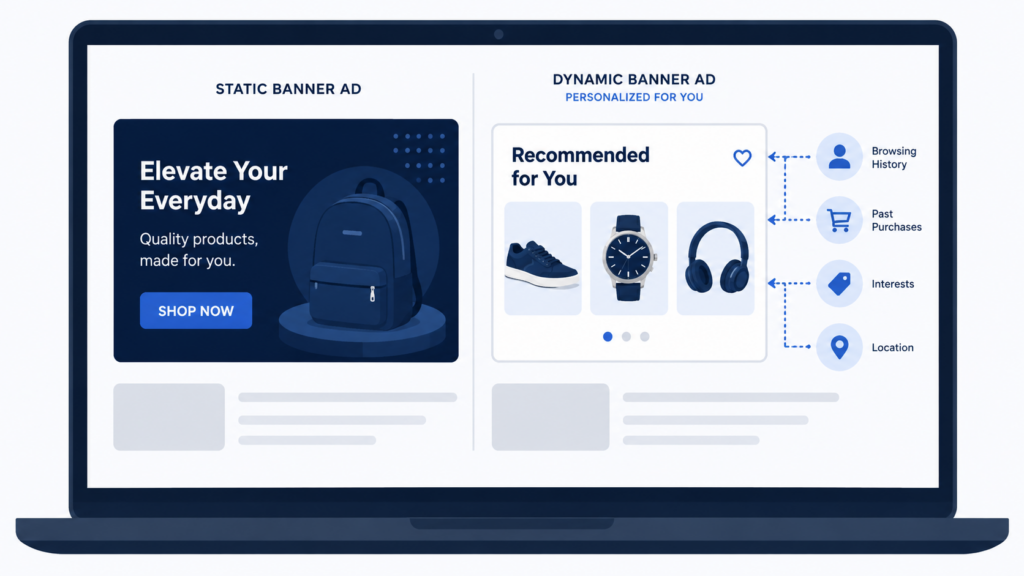
A static banner is a display ad with fixed content. Every viewer sees the exact same creative — the same image, the same headline, the same call to action. The ad doesn’t change based on who’s looking at it or what they’ve done on your website.
Static banners come in two flavors:
Still image banners are single-frame ads — a JPG, PNG, or GIF with no movement. Think of a print ad placed on a webpage. They’re the simplest ad format to produce, and virtually every ad network and publisher accepts them without restrictions.
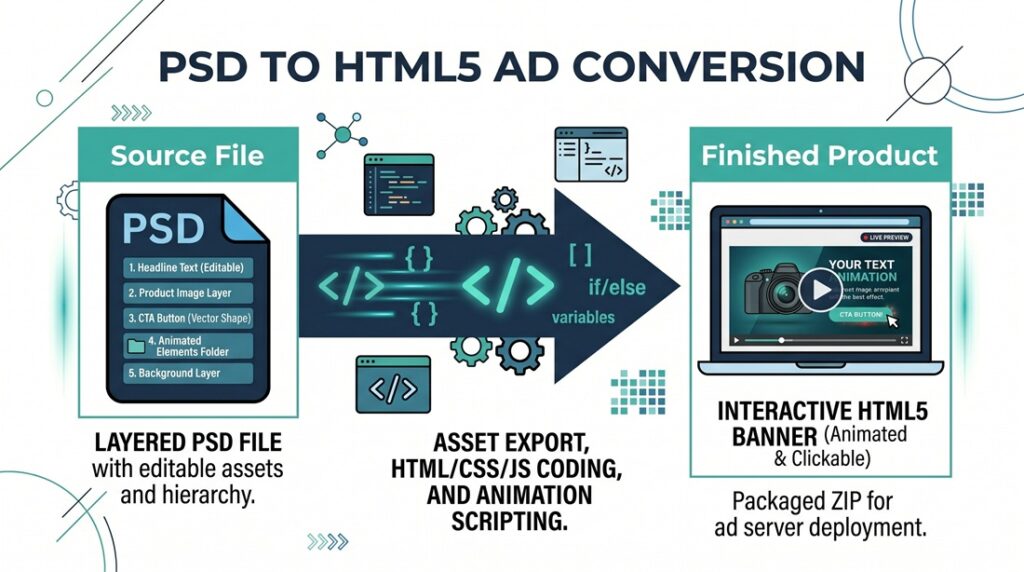
Animated static banners use HTML5, CSS, and JavaScript (or animated GIFs) to add motion — text that fades in, products that slide across the screen, a CTA button that pulses. The content is still fixed (everyone sees the same animation), but the movement captures attention more effectively than a still image. Most modern “static” campaigns use animated HTML5 banners, not still images.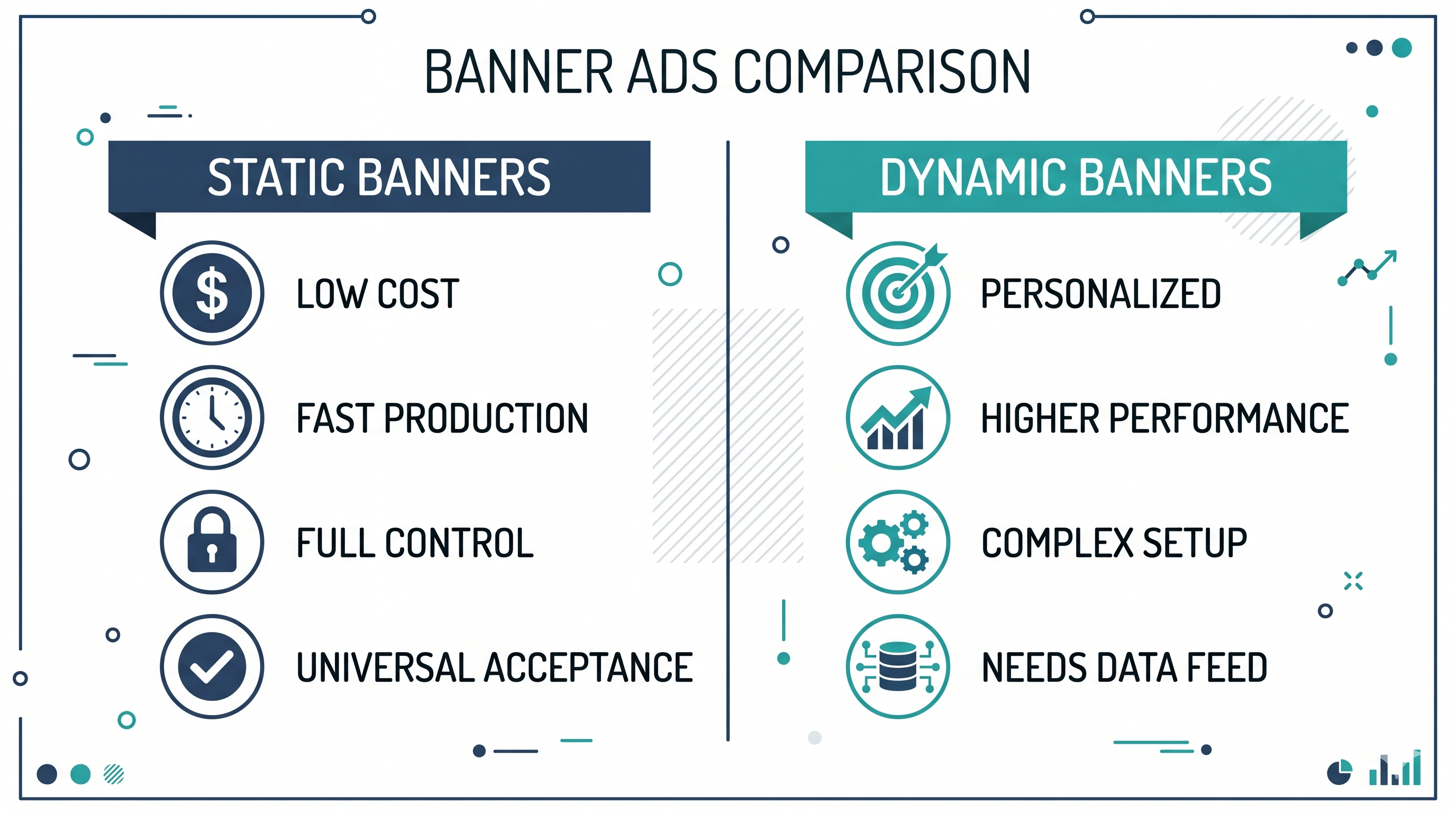
What Static Banners Look Like in Practice
A typical static banner campaign includes a set of standard IAB sizes — 300×250, 728×90, 160×600, 300×600, and 320×50 at minimum — all built with the same creative concept adapted to each dimension. Each banner contains a background visual, a headline, body copy, and a CTA. Animation usually follows a simple sequence: elements enter the frame over 2-3 seconds, pause on the final frame with the CTA visible, and loop or stop.
What Is a Dynamic Banner Ad?
A dynamic banner changes its content based on data. That data can come from the viewer’s browsing behavior, location, the time of day, a product feed, or any other data source connected to the ad.
There are two distinct types of dynamic banners, and they work very differently:
Retargeting dynamic banners pull product images from a feed and show people the exact items they looked at on your website. If someone checked out a pair of running shoes on your online store, they’ll see those same shoes in an ad as they browse other sites. Google Ads, Meta, Criteo, and AdRoll all offer this, and setup is pretty straightforward.
Dynamic Creative Optimization (DCO) banners take it further. They mix and match different headlines, images, CTAs, and colors based on who’s watching — their location, the weather, what audience group they fall into, or the time of day. One DCO template can create hundreds or even thousands of different ad versions, each one tailored to a specific person.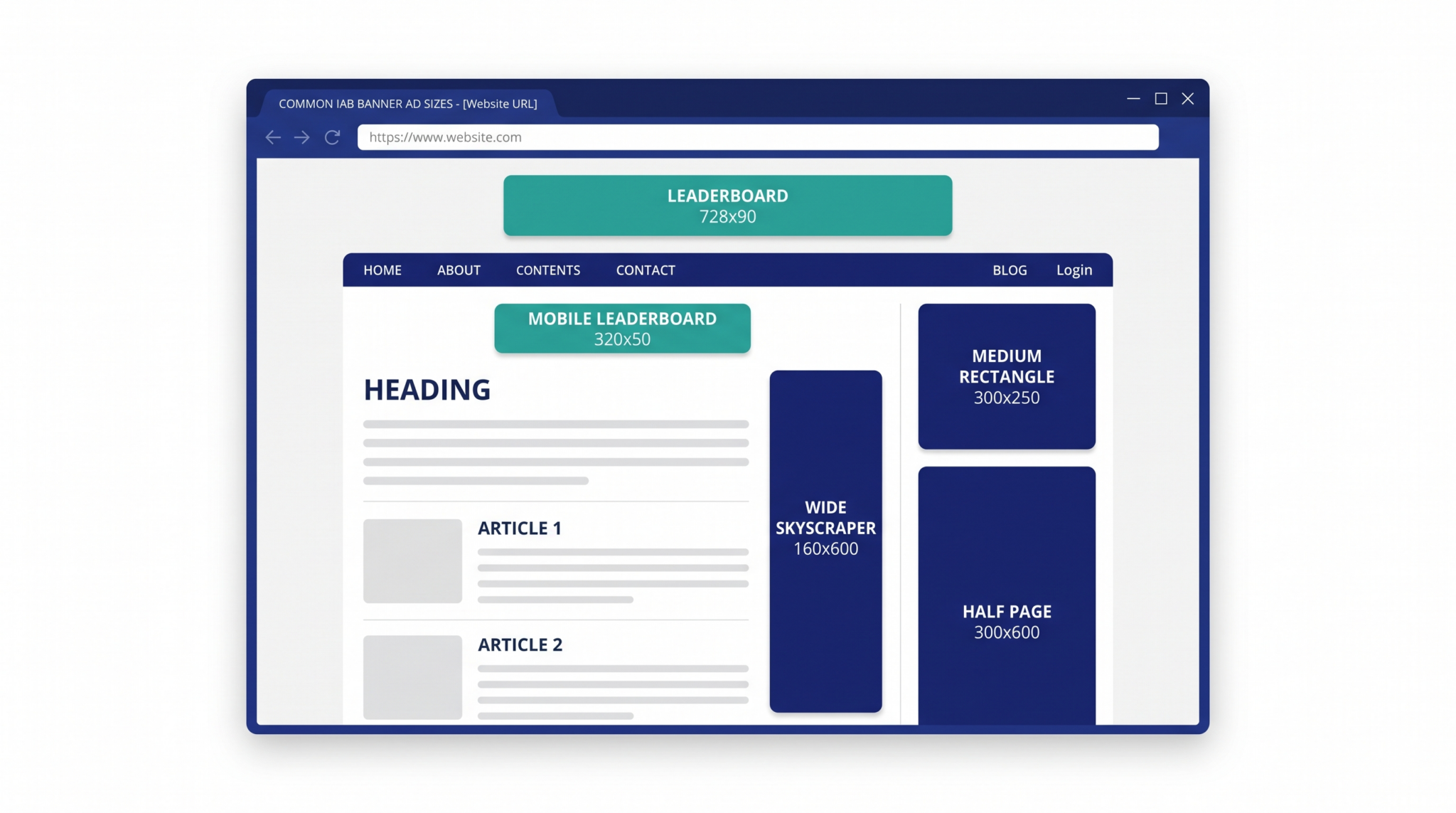
What Dynamic Banners Require
Unlike static banners, dynamic campaigns need more than just good-looking creative. You need a product feed (for retargeting), a template that can swap content in and out, audience data and targeting rules, and an ad server setup that connects it all in real time. This makes dynamic banners harder to plan, build, and maintain.
Static vs Dynamic Banners: A Direct Comparison
Here’s how the two stack up on the things that actually matter when you’re making a decision:
Cost and Production Time
Static banners are cheaper and faster to produce. A standard campaign with 5-6 sizes, animated in HTML5, can be built in 1-3 days by a skilled developer. The creative is designed once, adapted to each size, and delivered.
Dynamic banners cost more upfront. On top of the creative work, you need feed setup, template building, testing across all the different content combinations, and ad server setup. Plan on 2-4 weeks for a solid DCO campaign, and a bigger budget than static.
For retargeting ads using built-in platform templates (like Google Ads or Meta), it’s simpler — you give them your product feed and some basic design choices, and the platform puts the ads together. But you don’t get much control over how they look, and the ads often come out looking generic.
Performance and Engagement
Dynamic banners beat static ads on click-through rates and conversions, pretty much across the board. Animated HTML5 banners get about twice the CTR of still images, and DCO campaigns can boost conversions by 50% or more compared to static ads.
Why? It’s simple — relevance. A banner showing someone the exact product they were looking at yesterday will always beat a generic brand message.
But static banners still matter. For brand awareness campaigns where you want everyone to see the same message, static gives you full control. No risk of a feed error showing the wrong product or a template bug breaking the layout.
Creative Control
With static banners, what you design is what runs. Every element is placed on purpose, every animation is timed right, and every size gets reviewed before it goes live.
Dynamic banners trade some of that control for relevance. When a template is putting ads together from different parts, things can go wrong: a product name that’s too long, an image that doesn’t fit right, colors that clash. Good templates plan for this with text limits, image cropping rules, and backup options — but you need more testing to catch problems.
Technical Requirements
Static banners need an HTML5 developer who can hand-code clean, lightweight ads that meet ad server specs. They work on every ad server and every publisher.
Dynamic banners need ad server know-how. DCO campaigns on Campaign Manager 360 (formerly DoubleClick) use the Enabler SDK. Sizmek has its own SDK. Flashtalking, Adform, and others each work differently. Your production team needs to know the specific platform, not just HTML5 in general.
When Each Format Makes Sense
Use static banners when:
You’re running a brand awareness campaign with a single, consistent message. Your budget is limited and you need the most impact for the lowest production cost. You’re launching a new product or promotion with a specific creative concept. Your campaign is short-duration (a week or two) and doesn’t justify the DCO infrastructure investment. You need guaranteed creative control — for regulated industries like pharma, finance, or alcohol where every element needs legal approval.
Use dynamic banners when:
You have an e-commerce product catalog and want to retarget browsers with the products they viewed. You’re running always-on prospecting across multiple audience segments with different messaging needs. You have the budget for proper template architecture, feed management, and ongoing optimization. Your campaign runs long enough (months, not weeks) to justify the higher setup cost through better performance. You want to test creative variables at scale — headlines, images, CTAs — without producing individual ads for each variation.
The Hybrid Approach: What Smart Campaigns Actually Do
It’s not always one or the other. The best display campaigns use both formats at different stages.
At the top of the funnel (getting people to notice you), run static HTML5 banners with strong branding, eye-catching animation, and a clear message. The goal is to make a good first impression.
At the bottom of the funnel (getting people to buy), switch to dynamic ads that show people the products they already looked at. Someone who browsed your site sees the items they checked out. Someone who left something in their cart gets a reminder.
This way you get the best of both: a polished brand message up top, and personalized ads that close the sale at the bottom.
What AI Changes About This Decision in 2026
AI-powered creative tools have made both static and dynamic banner production faster. Some can generate banner sets, add basic animation, and resize across IAB formats in minutes instead of hours.
For static banners, these tools handle the simple stuff — basic layouts, simple animations, standard sizes. This has brought down the cost of entry for basic campaigns.
For dynamic banners, AI is getting better at automatic text fitting, smarter image cropping, and more natural-looking ads. But the real work — feeds, ad server setup, and trafficking logic — still needs people who know what they’re doing.
Here’s what AI still can’t do well: the small details that make a banner actually perform. Animation timing, visual flow, telling a story inside a 300×250 frame — that still takes experience. The agencies getting the best results in 2026 are using AI for the boring, repetitive tasks and putting human skill into creative direction, template building, and making sure everything works across ad servers.
File Size, Ad Server Specs, and the Details That Matter
No matter which format you pick, your banners have to meet size and spec rules. Here’s what you need to know:
File size limits are still strict. Google Display Network caps the initial load at 150KB. Most other ad networks have similar rules. Dynamic banners are trickier here because the template itself needs to stay small enough to leave room for product images and other content loaded on the fly.
Standard IAB sizes are mostly the same, but mobile sizes matter more than ever. The must-haves for most campaigns: 300×250 (medium rectangle), 728×90 (leaderboard), 160×600 (wide skyscraper), 300×600 (half page), 320×50 (mobile leaderboard), and 320×480 (mobile interstitial). Running fewer than 5-6 sizes means your ads won’t show up in a lot of places.
Click tags work differently on every ad server — and this trips up a lot of people. Google Campaign Manager uses the Enabler SDK (Enabler.exit()), regular Google Ads uses a clickTag variable, Sizmek uses EB.clickthrough(), and Flashtalking has its own way. Get this wrong and your banners either don’t track clicks or don’t open the landing page. It happens more than you’d think.
Polite loading is needed for any banner that goes over the initial file size limit. The banner shows a lightweight first frame, then loads the heavier stuff (images, fonts, extra code) after the page is done loading. This keeps your banner from slowing down the website it’s running on.
How to Pick the Right Production Partner
Whether you need static or dynamic banners, your production partner has to know the technical side, not just the design side. Here’s what matters:
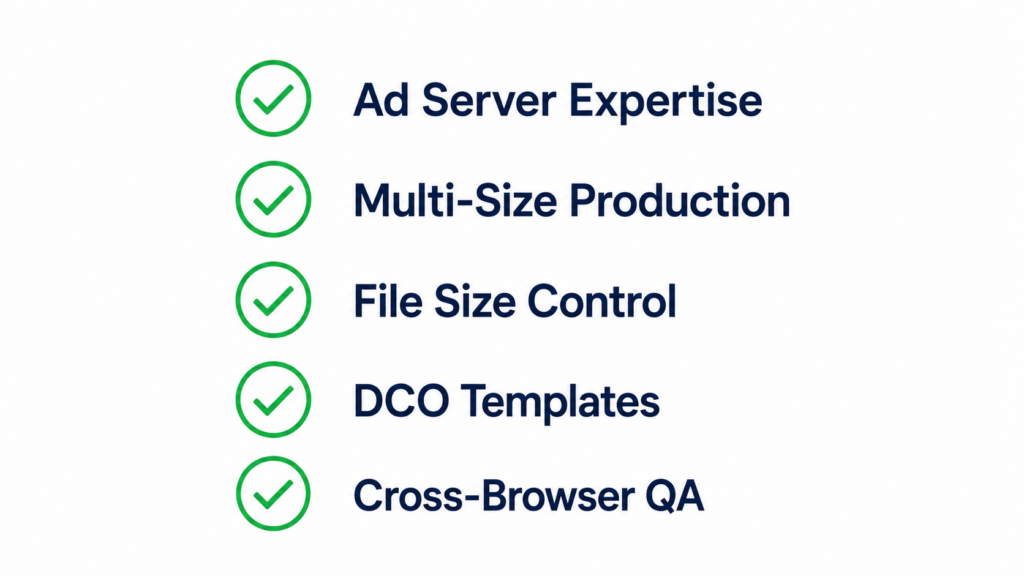
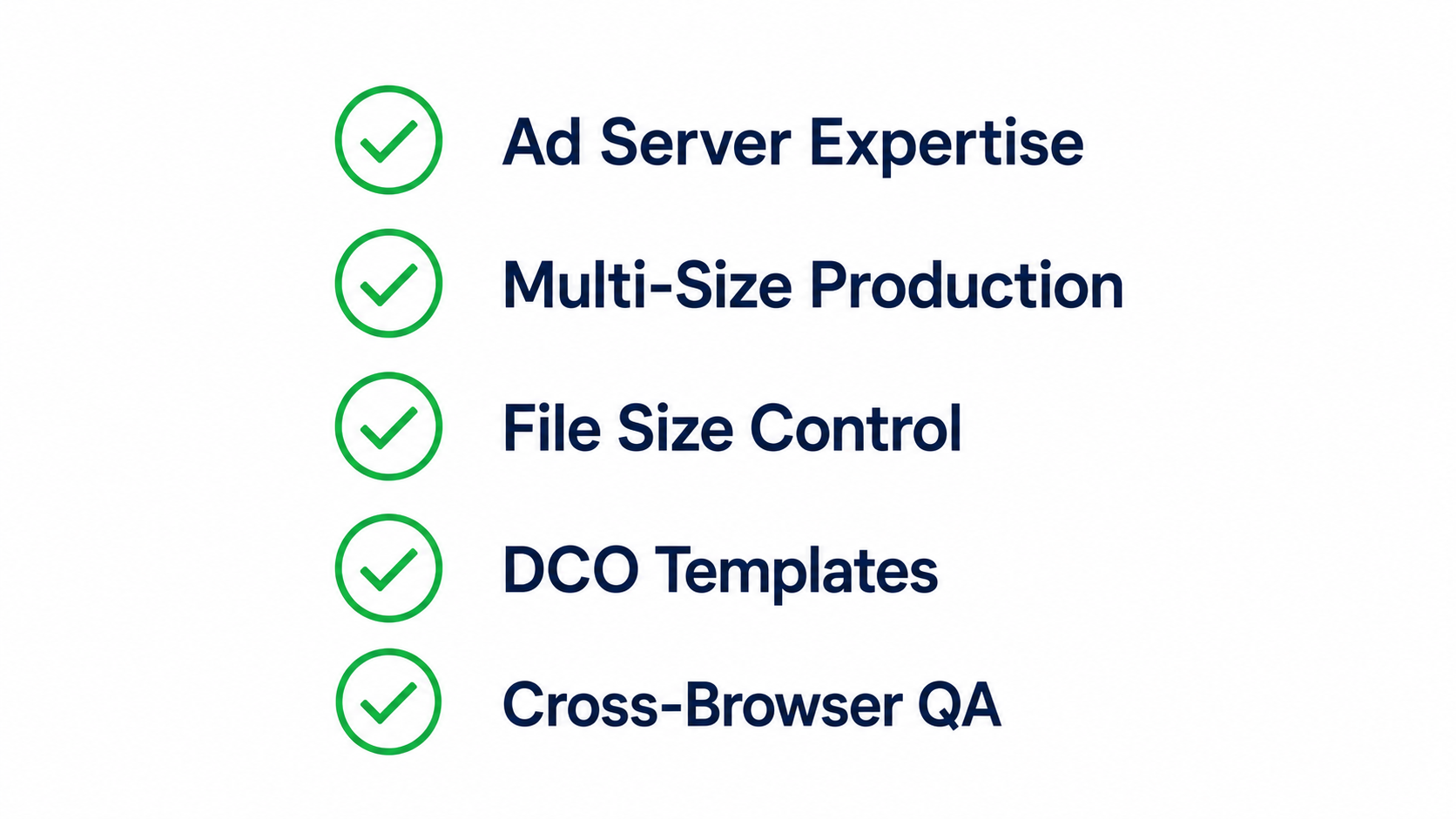
Ad server know-how. Can they build ads that actually pass validation on your ad server? Do they know how click tags, polite loading, and backup images work? A great-looking banner that doesn’t work is a waste of money.
Multi-size skills. Can they adapt your creative across all standard sizes without losing the idea? Going from 728×90 to 300×600 takes real layout thinking, not just resizing.
File size control. Can they hit the size limits every time while still making the ad look good? This is a real skill, and it matters more than most people realize.
DCO template building (for dynamic campaigns). Can they build templates that handle different content without breaking? That means text that fits no matter the length, images that crop correctly, and backup options when data is missing.
Testing. Do they check everything across browsers, devices, and ad servers before they send it over? Or do they just hand it off and hope it works?
The Bottom Line
Static banners give you control, speed, and lower cost. Dynamic banners give you relevance, personalization, and better results. The best campaigns use both.
Don’t go static just because it’s easier. Don’t go dynamic just because it sounds fancy. Pick the format that fits your goals, your budget, and your timeline.
And no matter which one you choose — invest in quality production. A well-built static banner will beat a sloppy dynamic campaign every single time.
Digitaland is a digital production studio that hand-codes HTML5 banner ads, rich media, and dynamic creative for agencies and brands. We’ve built display campaigns for Nike, Samsung, LG, Wendy’s, and hundreds of other brands across every major ad server. Get in touch to talk about your next project.