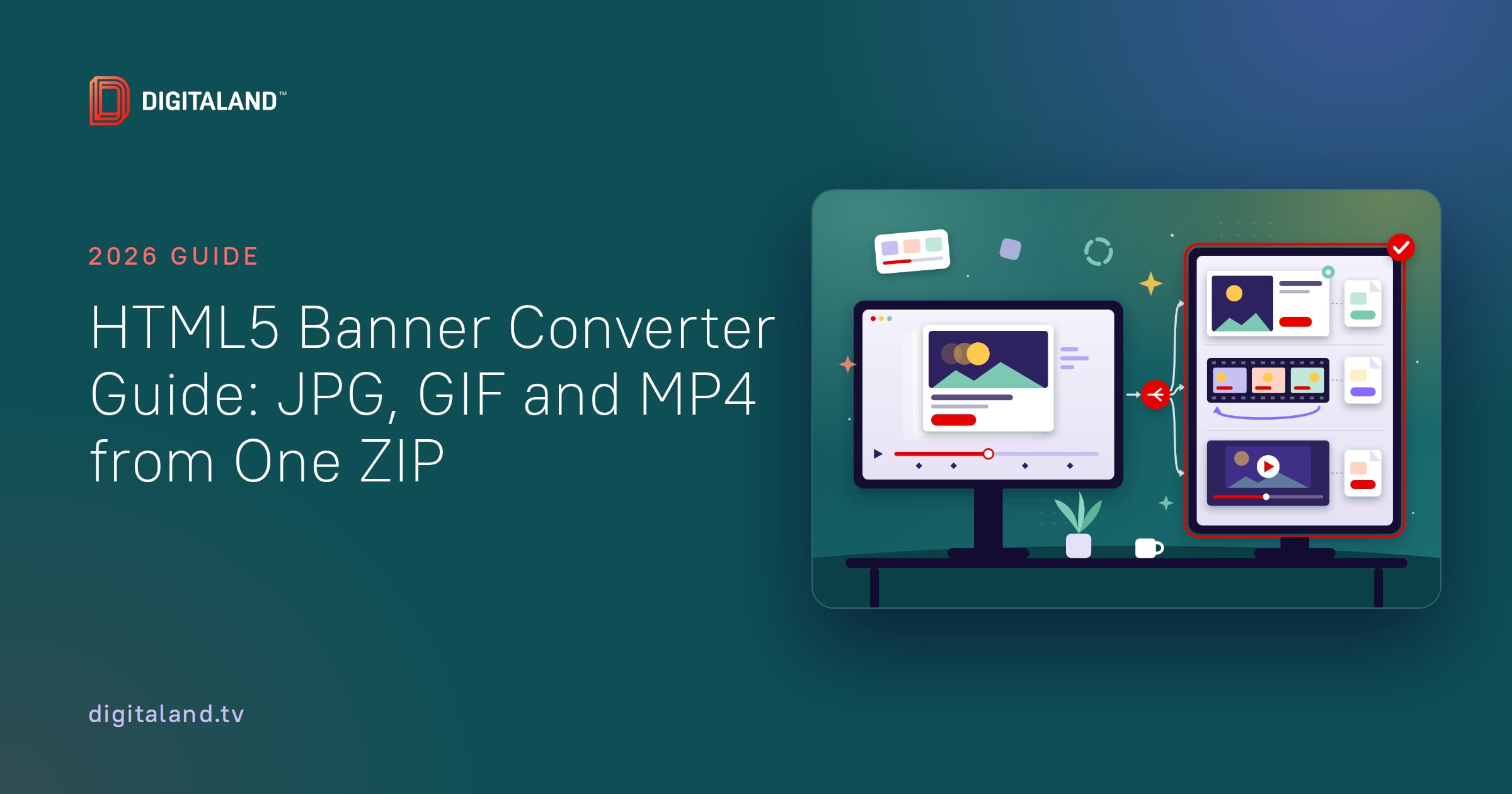
Short answer: An HTML5 banner converter turns a finished banner ZIP into the files HTML5 can’t cover: a static JPG or PNG, an animated GIF and an MP4. Which ones you need depends on where the ad runs. DSPs and publishers ask for a static backup, while email and Google Ads accounts without HTML5 access need a GIF or image instead of HTML5. MP4 is for approvals and social reuse, not ad servers.
This guide is for agency project managers and ad ops teams who get a media plan and need to know what to deliver besides the HTML5 ZIPs. It maps each channel to the file it accepts, with the limits from each platform’s own spec page. Then it shows how we convert a full campaign without tripping those limits.
- Three files a converter makes, and what each one is for
- Which file each channel needs: the deliverables matrix
- Backups: the static file most HTML5 sets still carry
- When the converted file is the ad, not the backup
- MP4: a proof file, not a spec requirement
- How to use an HTML5 banner converter: the studio workflow
- What to confirm before you convert
- Seven conversion mistakes that send files back
Three files a converter makes, and what each one is for
Every converted file comes from the same HTML5 build. What changes is the job it does after it leaves the studio.

Static image (JPG or PNG)
The backup that serves when HTML5 can’t. In image-only slots, it is the whole ad. It is one frame, usually the final one.
Animated GIF
The moving version for places that can’t run JavaScript, like email. It is also the fallback for Google Ads accounts that can’t upload HTML5. Weight, speed and loops are tightly capped.
MP4 video
A playable proof for client approvals, decks and social reuse. None of the display specs we checked for this guide requires one.
A converter records what the HTML5 ad already does. It does not work in reverse. Turning a GIF into HTML5 means rebuilding from the source files.
- One HTML5 banner can need three extra files: a static image, a GIF and an MP4.
- The Trade Desk and Amazon DSP require a static backup. Google’s CM360 and DV360 make it optional.
- Email and Google Ads accounts without HTML5 access take GIF, JPG or PNG as the ad itself.
- Google Ads caps image and GIF ads at 150 KB and requires GIFs slower than 5 fps.
- MP4 is a proof file. No display spec we checked requires it.
 Trafficking tomorrow?
Backup images that show the finished ad.
Packaged for every platform. Free.
JPGGIFMP4
Try it free
Which file each channel needs: the deliverables matrix
We checked each row on the platform’s own spec page in November 2026. Use it to turn a media plan into a file list before anyone starts converting.
| Destination | Converted file | Status | Limits | Packaging |
|---|---|---|---|---|
| Google CM360 | Static backup | Optional | Same pixels as the ad; under 40 KB if it doubles as the polite-load image | Separate upload, never in the ZIP |
| Google DV360 | Static backup | Optional | Same pixels as the ad | Separate upload, “Backup images” section |
| The Trade Desk | Static backup with its own clickthrough URL | Required | No backup limit published | Separate upload |
| Amazon DSP | Static fallback (JPG, GIF or PNG) | Required | 40 KB; 50 KB for 300×600 | Built into the ad’s code |
| Yahoo | Static backup | Optional | Per format page | Inside the ZIP |
| Publisher direct | Static backup | Usually required | Often 40–60 KB; border on white | Usually a separate file |
| Google Ads, no HTML5 access | GIF, JPG or PNG | Image is the ad | 150 KB; GIF slower than 5 fps; stops by 30 s | Standalone upload |
| Email (LiveIntent) | GIF, JPG or PNG | Image is the ad | Static 250 KB; GIF 4 MB; 5 fps; 3 loops; stops by 30 s | Standalone files |
| Publisher newsletters | JPG, sometimes PNG or GIF | Image is the ad | Per publisher; no tags | Standalone files |
| Image-only premium units | JPG, PNG or GIF | Image is the ad | Per unit | Standalone files |
| Approvals and social | MP4 | Not required | Set by the reviewer or social platform | In the delivery package |
Sources: CM360 HTML5 asset rules, DV360 HTML5 creatives, The Trade Desk creative specifications, Amazon Ads technical guidelines and Yahoo HTML5 guidelines. The other rows are sourced in the sections below. For the HTML5 limits themselves, use our banner ad specs cheat sheet.
One size, several packages. A plan with CM360, Yahoo and an email partner needs three deliveries of the same 300×250. The backup sits beside the ZIP for Google and inside it for Yahoo. The email slot gets a GIF and no ZIP at all.
Backups: the static file most HTML5 sets still carry
Google’s ad servers treat the backup as optional. The Trade Desk and Amazon DSP do not. Skipping it on Google still has a cost: where HTML5 can’t render, CM360 serves nothing.
We cover the full platform rules in what every ad platform requires for HTML5 backup images. For platform detail, see our guides to the CM360 backup image and The Trade Desk backup requirement.
For a converter, the job is narrow. Capture the finished frame at the exact pixel size. Keep it under the weight cap. Package it the way the destination asks.
Aim every backup at 40 KB unless a spec says otherwise. That meets Amazon’s cap for its main sizes and CM360’s polite-load limit, and it sits inside the 60 KB that publishers such as Advance Ohio allow.
When the converted file is the ad, not the backup
Some slots take no HTML5 at all. There, the GIF or JPG is the creative, and it is reviewed like one.

- Email. LiveIntent notes that email doesn’t support JavaScript, so it takes PNG, JPG or GIF only. The complete creative must render in the first frame.
- Google Ads accounts without HTML5 access. Google Ads allows HTML5 only for accounts open more than 90 days, with more than $9,000 lifetime spend and a good policy record. Everyone else uploads GIF, JPG or PNG.
- Publisher newsletters. The Seattle Times takes its newsletter display ads as JPG only. Advance Ohio takes JPG, PNG or GIF in eNewsletters, with no tags.
- Image-only premium units. The Seattle Times Breakpoint Billboard allows JPG and PNG, with no HTML5 or third-party tags. Advance Ohio’s 970×90 adhesion takes JPG or GIF.
These rules shape the GIF itself, not just its weight. LiveIntent allows 8 seconds per loop at 5 fps. A 15-second HTML5 animation has to be cut down, not just compressed. Our guide to converting an HTML5 banner to GIF covers how to keep text sharp inside those limits.
MP4: a proof file, not a spec requirement
None of the display specs we opened for this guide asks for an MP4 version of a banner. MP4 earns its place elsewhere:
- Approvals. Clients, legal reviewers and brand teams can play an MP4 on any device, without unzipping anything.
- Decks and reports. A video drops straight into a presentation or a campaign recap.
- Social reuse. Brand teams often want display creative on social. Each social platform has its own video specs and aspect ratios, so check them before you export.
Don’t confuse this with in-banner video. That is a video file playing inside the HTML5 ad, under the host platform’s weight rules.
Need backups for every size?
Drop the ZIP. Get the finished frame.
JPG, GIF and MP4 in minutes. Free.
JPGGIFMP4
Try it free
How to use an HTML5 banner converter: the studio workflow
Converting one banner is easy. Converting 40 sizes for five destinations without a rejection is the real work. This is the order our team follows.

Start from the approved ZIPs
Convert the final builds that ad ops will traffic, not design files or an earlier round. If a ZIP changes, regenerate every file made from it.
Map destinations per size
Turn the media plan into a list. Mark which sizes need a backup, which need a GIF and which need a JPG only.
Let the animation finish
Capture after the last frame settles. A capture taken at load time can catch a preloader or a half-built frame.
Set rules per destination
Weight, frame rate, loop count and border change by destination. One export setting for every channel fails somewhere.
Check every file at 100%
Open each file at actual size. Heavy compression breaks legal lines, prices and dates first.
Package and name per platform
Name each file after its ZIP. Place each backup beside or inside the package, as the destination requires.
Our free converter handles the capture and export: it takes the ZIP and produces backup images, GIFs and MP4s from the banner itself. To check the HTML5 build before you convert, see how to preview and test HTML5 banners. If you’d rather hand off the whole campaign, an HTML5 banner production studio can deliver the HTML5 and every converted file as one package.
What to confirm before you convert
Most rework starts with a missing answer at the briefing stage. Get these from the media plan, the client or the publisher before export:
- Every destination on the plan, listed per size.
- Which platforms need a backup. The Trade Desk and Amazon DSP do.
- The weight cap for each static file: 40 KB, 50 KB or 60 KB.
- The email partner’s format, loop and length rules.
- Whether the Google Ads account has HTML5 access.
- The backup clickthrough URL for The Trade Desk.
- Whether the publisher or email partner needs a border on white or light backgrounds.
- Whether the client wants MP4 proofs, and at what size.
- The file naming convention ad ops expects.
The converted files then go through the same final review as the HTML5. Our HTML5 banner delivery checklist covers that last pass.
Seven conversion mistakes that send files back
- A Google Ads GIF over 150 KB. The image ad limit is the same for static and animated files.
- A GIF that runs too fast. Google Ads requires animated GIFs to run slower than 5 fps.
- Animation that never stops. Google Ads and LiveIntent both require the animation to stop after 30 seconds.
- An incomplete first frame in email. LiveIntent wants the complete creative in frame one, not a blank or a build-in.
- A backup inside the ZIP for Google. CM360 and DV360 both ask for a separate upload.
- The wrong format for a newsletter. A GIF sent to a JPG-only slot comes straight back.
- No border on a white ad. LiveIntent requires at least a 1px border on white or gray backgrounds. Many publishers ask for the same.
Frequently asked questions
Can I convert an HTML5 banner to GIF without losing quality?
Some loss is normal, because GIF uses a limited color palette. Convert from the finished ZIP rather than a screen recording, and check the small text at 100% before you deliver.
Is there a converter that turns a GIF into HTML5?
Not in any useful sense. An HTML5 banner has to be rebuilt from the source files, with its own animation and clickTag.
Does any ad platform require an MP4 version of a banner?
None of the display specs we checked does. MP4 is useful for client approvals, presentation decks and social reuse, so treat it as a proof file.
What file should I send for an email newsletter ad?
A GIF, JPG or PNG, never HTML5, because email doesn’t run JavaScript. Some newsletters accept JPG only, so check the publisher’s spec first.
Why can’t a new Google Ads account upload the HTML5 ZIP?
Google Ads limits HTML5 to accounts open more than 90 days, with more than $9,000 lifetime spend and a good policy record. Other accounts run GIF, JPG or PNG ads up to 150 KB.
How many files does one banner size turn into?
It depends on the media plan. Most sizes need the HTML5 ZIP plus a static backup. Add a GIF for email or Google Ads, and an MP4 if the client wants video proofs.
Sources
- Google Ads: display ad requirements
- Google CM360: HTML5 asset requirements
- Google CM360: Create a display creative
- Google DV360: HTML5 creatives
- The Trade Desk Creative Specifications (PDF, March 2025)
- Amazon Ads technical guidelines
- Yahoo HTML5 guidelines
- LiveIntent ad specs and creative requirements
- The Seattle Times creative guidelines
- Advance Ohio 2025 digital ad specs (PDF)
Looking for a banner production company?
Digitaland has produced HTML5 banners for agencies and brands since 2011. See how we work, or send us the brief and we take it from there.